


Released, version 1.0
Rimline
Your trackpad has edges. Use them.
A Mac menu bar app that turns your trackpad's edges and corners into controls. Slide for volume, tap for apps and shortcuts, aim to snap windows. Free for 3 days, then $5 once.
Rimline is not notarized by Apple, so macOS asks you to confirm the first launch once. It also needs Accessibility access to read the trackpad and move windows. Install steps
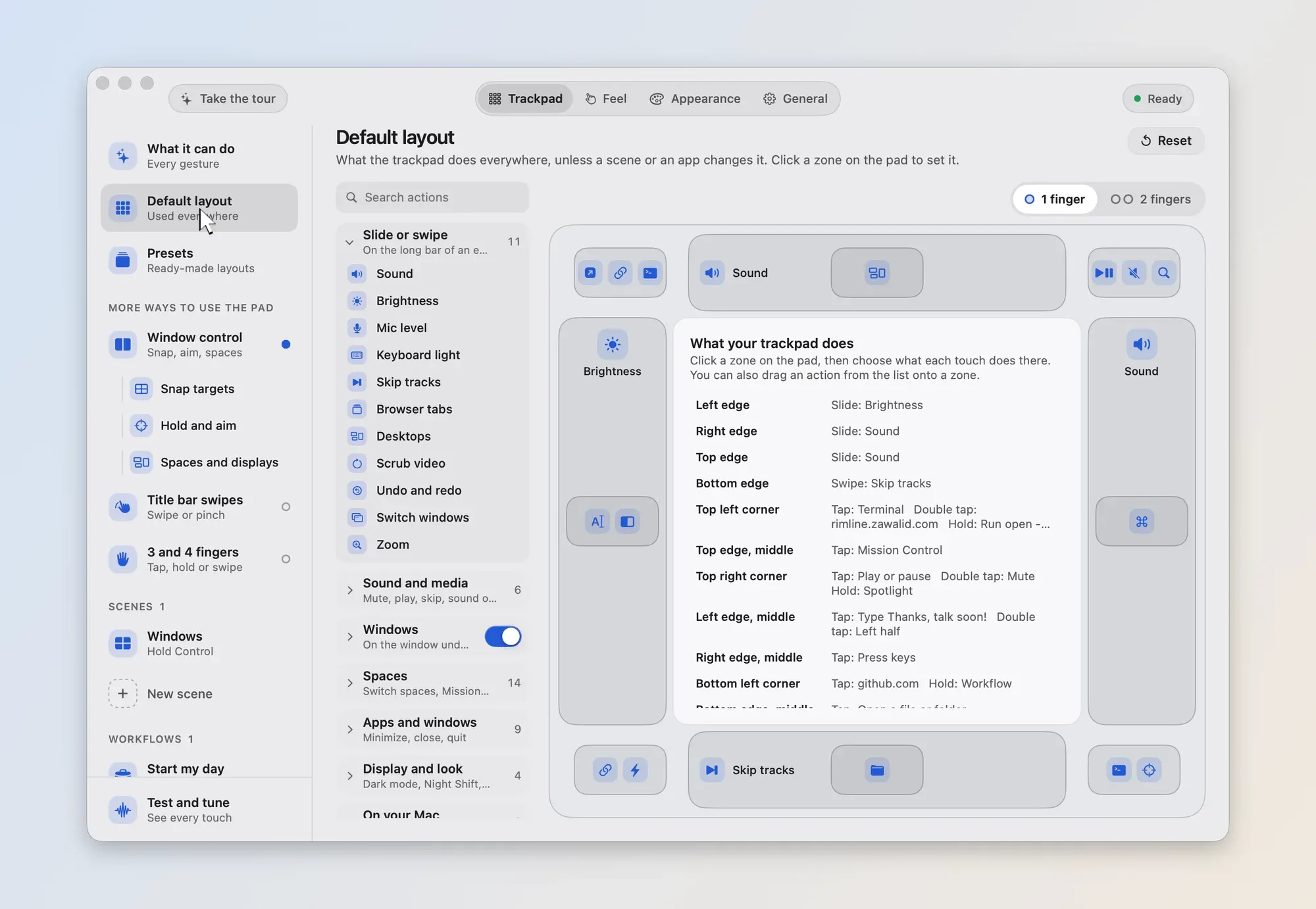
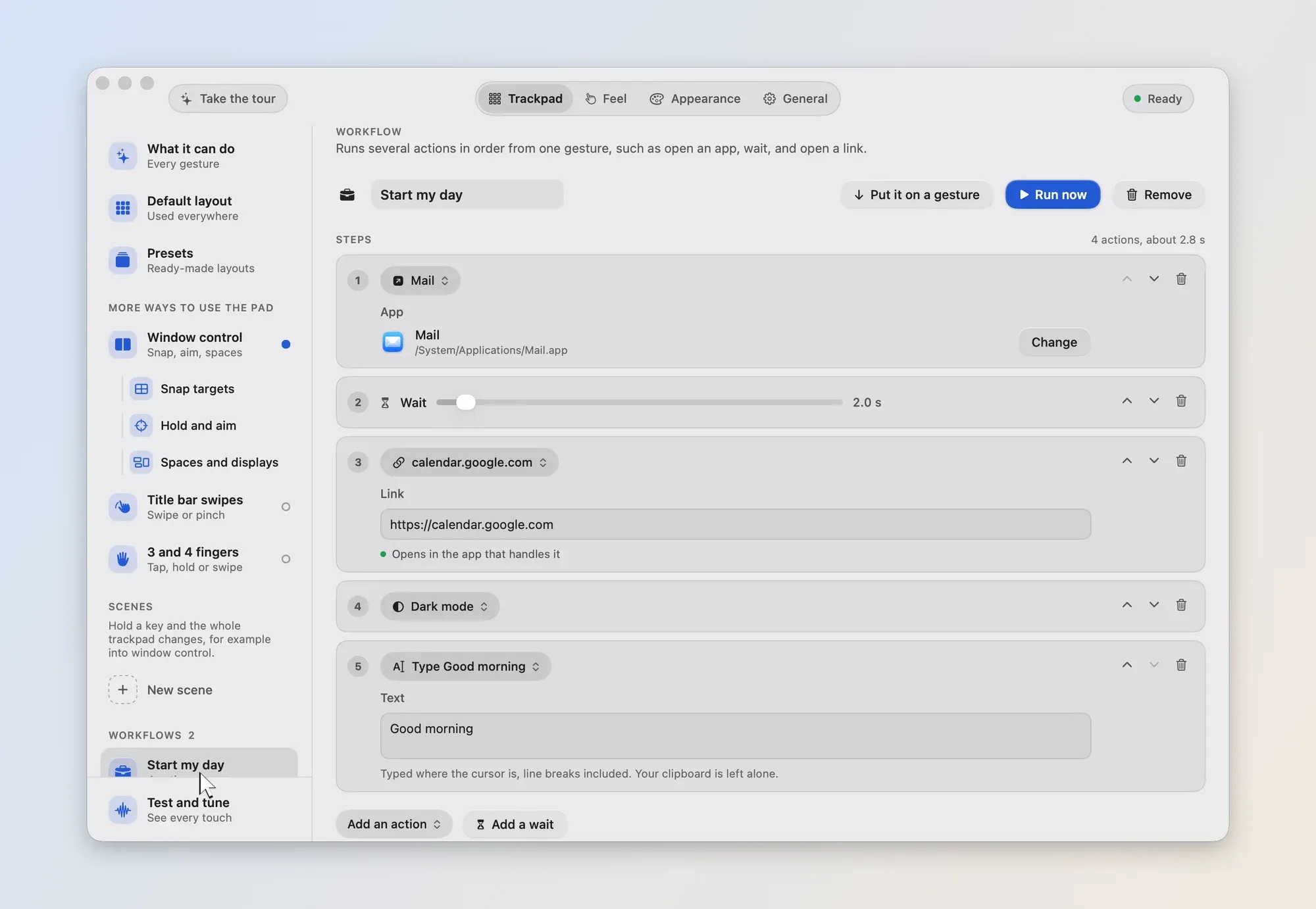
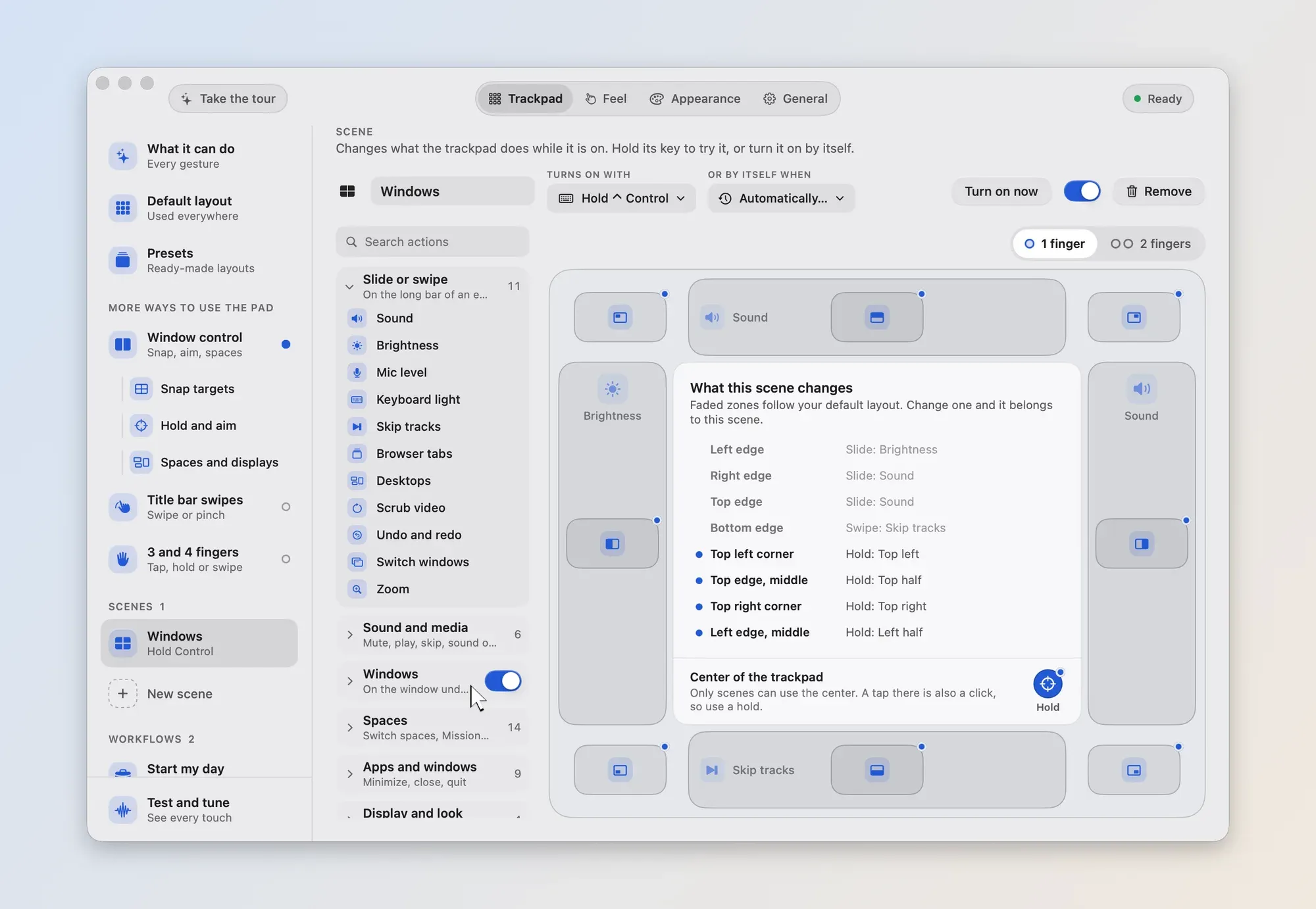
These pictures show the next release of Rimline, which is not out yet. The current download, 1.0.0, looks different.
- Status
- Released, version 1.0
- Price
- Free for 3 days with every feature on and no card. Then $5 once, on 2 Macs, with updates included. Buying is not open yet.
- License
- Closed source
- Requires
- macOS 13 or later. Tested on Apple silicon only, and made for the built-in MacBook trackpad.
- Last release
- 12 November 2026
What it does.
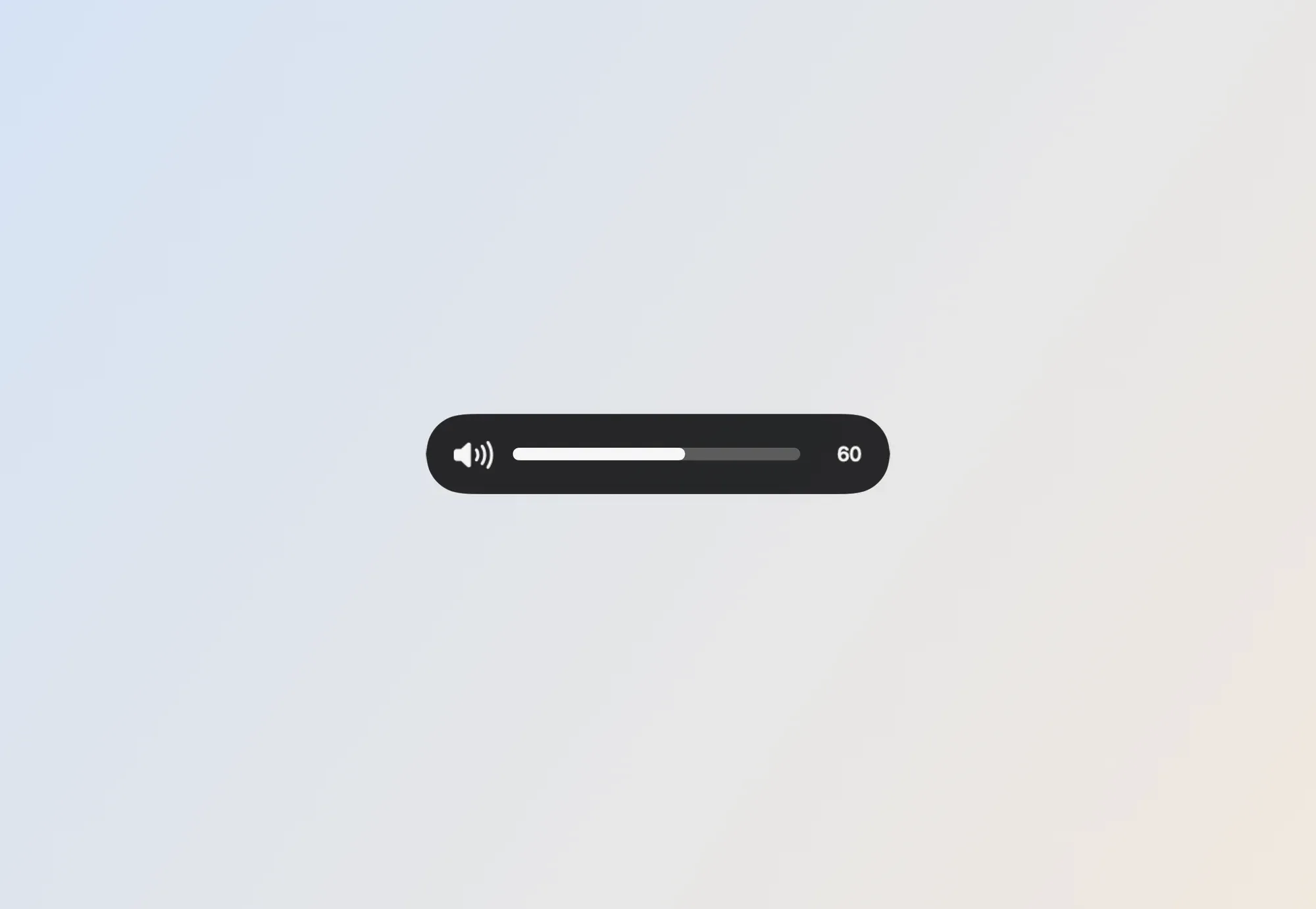
Rimline is a menu bar app that makes the edges and corners of your MacBook trackpad do useful things. Slide the right edge for volume and the left for brightness, with a tick under your finger as you go.
Tap, double tap or hold a corner, with one or two fingers, to open an app, a link or a file, run a shortcut, press keys, type text or run a command. Snap windows to halves, quarters and thirds, or hold a corner and aim.
Group your gestures into scenes that switch on for an app, headphones or a time of day, chain actions into workflows, and share your setup as a file. It is closed source, has no account and no analytics, and the free trial lasts 3 days with every feature on.
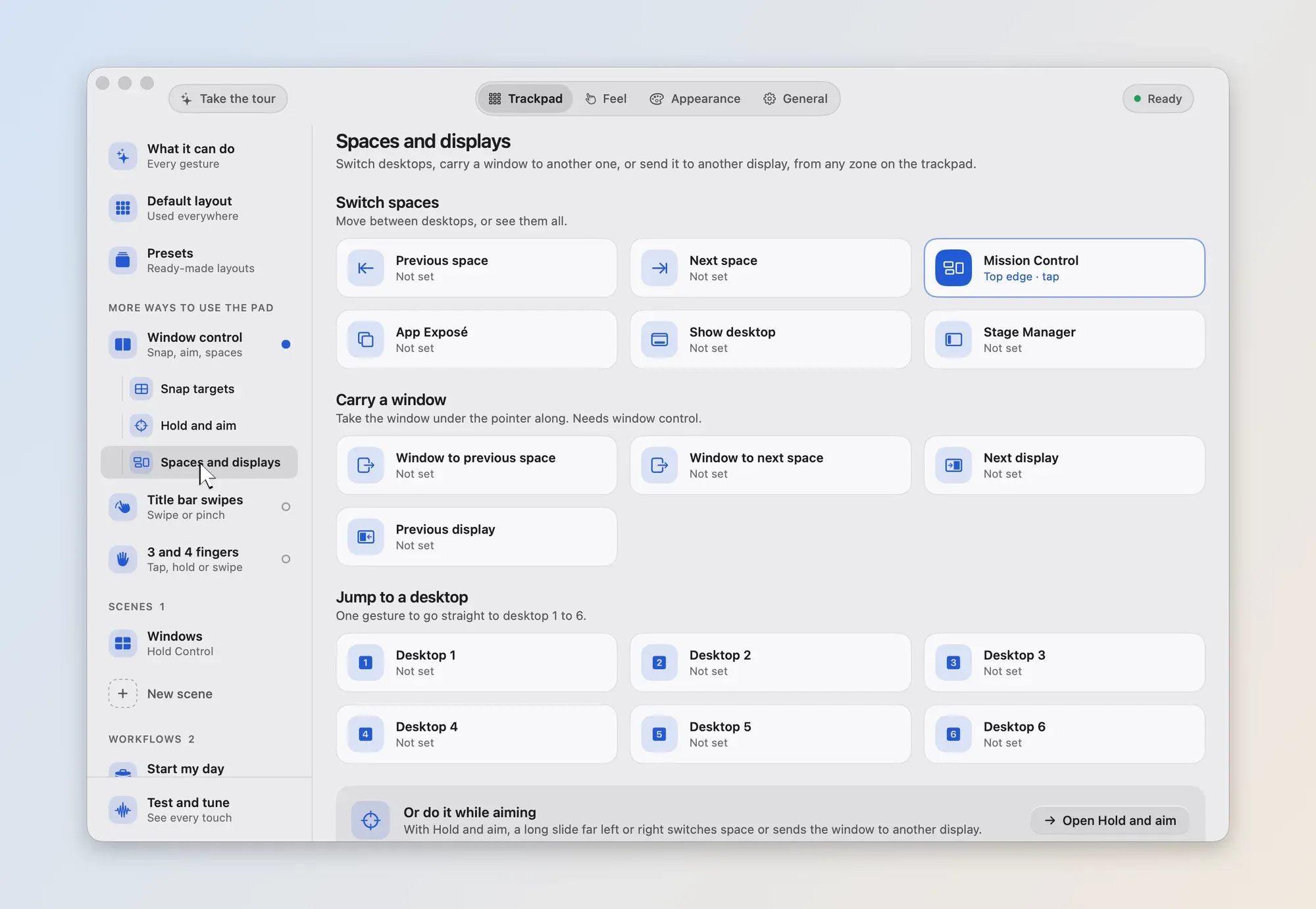
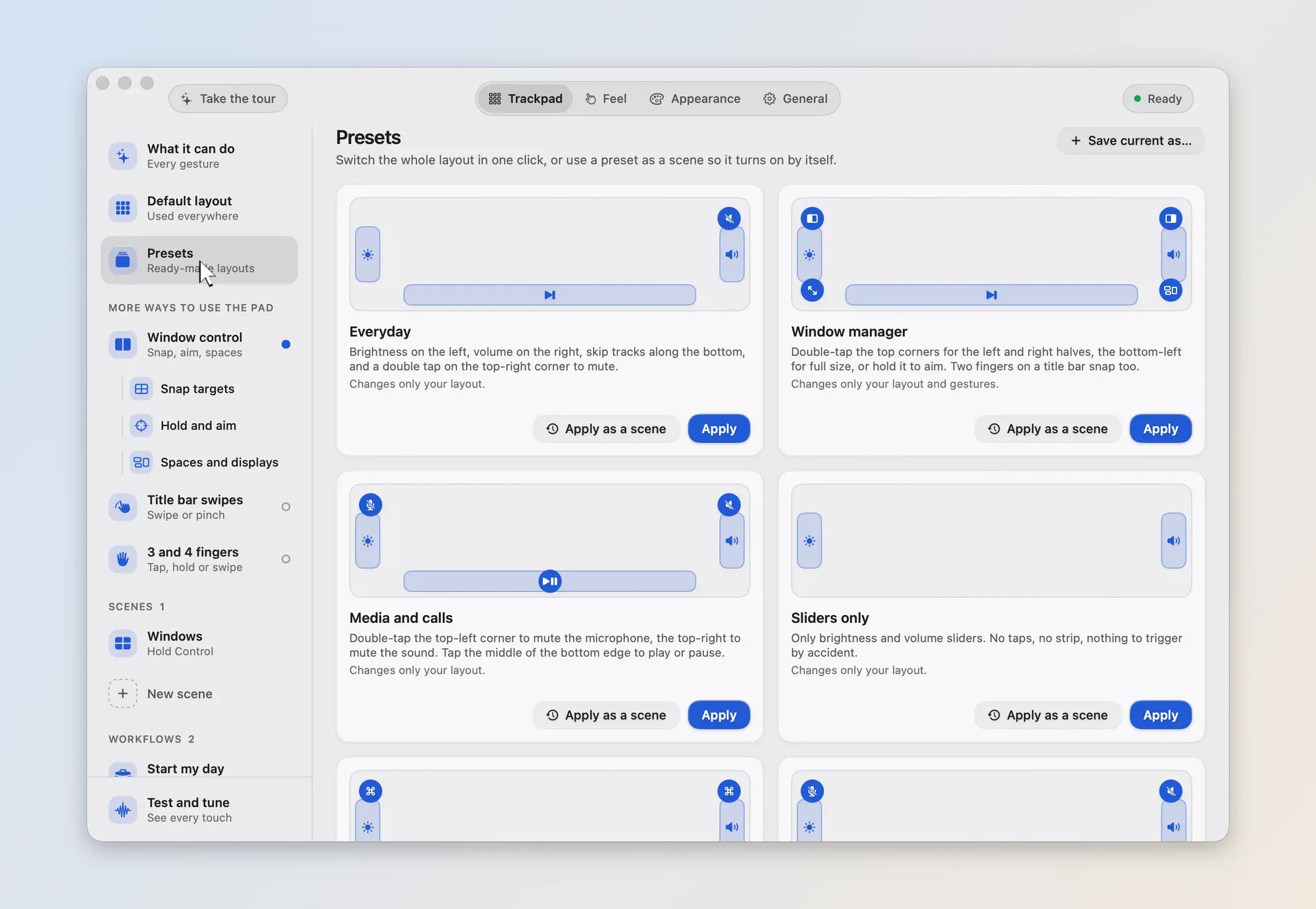
Features.
Slide the edges
Volume on the right edge, brightness on the left, or any edge for microphone level or keyboard light. Swipe the bottom edge to skip tracks, with haptic ticks as you slide.
Taps, double taps and holds
The four corners and the middle of every edge, with one or two fingers, can open an app, a link or a file, press keys, run a command, type text or control media, windows and spaces.
Window control
Snap windows to halves, quarters and thirds. Hold a corner and aim, and an outline shows where the window will land.
Scenes and presets
Ten presets to start from, and your own. A scene turns on for a held key, an app, headphones, an external display, a time of day or the power source.
Workflows
Chain actions under one name, run them from a gesture or a rimline link, and stop them midway.
Share and back up
Save your setup as a .rimline file, open one to see what is inside, and put back only the parts you want.
Good to know.
- No account, no sign-in, no analytics and no crash reporting.
- Touches, layouts, scenes and settings stay on the Mac. It does not read the screen or what you type.
- The only network use is checking your license with Polar, and an update check that stays off until you turn it on.

